[SR] Snapshot and Restore UI#39193
Merged
jen-huang merged 49 commits intoelastic:masterfrom Jun 28, 2019
Merged
Conversation


Loading
Sign up for free
to join this conversation on GitHub.
Already have an account?
Sign in to comment
6 participants


Add this suggestion to a batch that can be applied as a single commit.This suggestion is invalid because no changes were made to the code.Suggestions cannot be applied while the pull request is closed.Suggestions cannot be applied while viewing a subset of changes.Only one suggestion per line can be applied in a batch.Add this suggestion to a batch that can be applied as a single commit.Applying suggestions on deleted lines is not supported.You must change the existing code in this line in order to create a valid suggestion.Outdated suggestions cannot be applied.This suggestion has been applied or marked resolved.Suggestions cannot be applied from pending reviews.Suggestions cannot be applied on multi-line comments.Suggestions cannot be applied while the pull request is queued to merge.Suggestion cannot be applied right now. Please check back later.
Snapshot and Restore UI
This PR adds phase 2 of Snapshot and Restore app (phase 1 PR). Previously this app was named Snapshot Repositories, now that this phase is complete, this app can finally be named properly 😄 This phase adds the following functionality:
Outstanding items
A few items are currently outstanding for this feature and will be handled in separate PRs after this one is merged:
Screenshots
I took too many screenshots so for your convenience they are grouped in collapsible sections below!
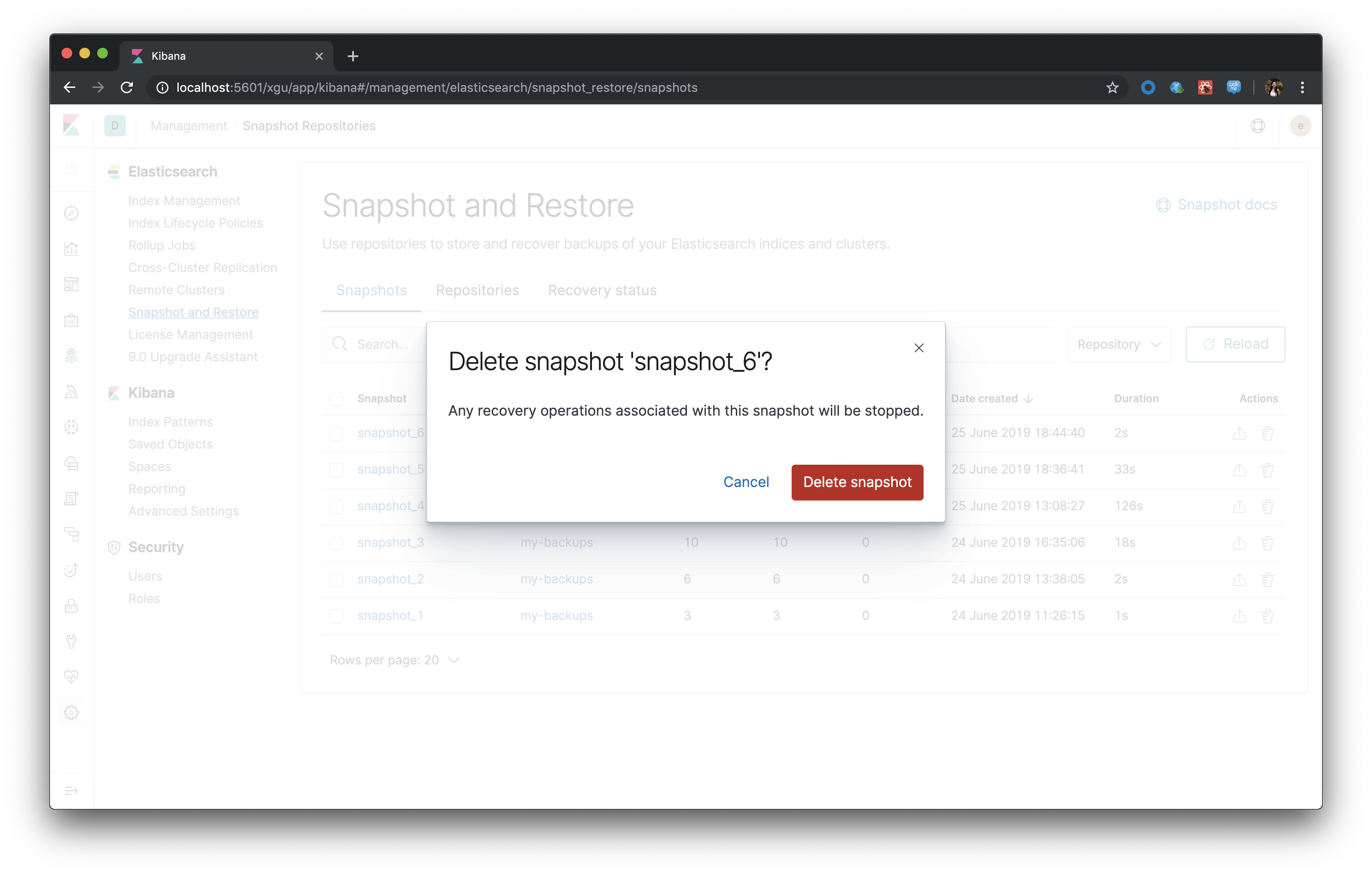
Delete snapshots
.Single delete, either by selecting one row, clicking trash can icon, or Delete button from details panel
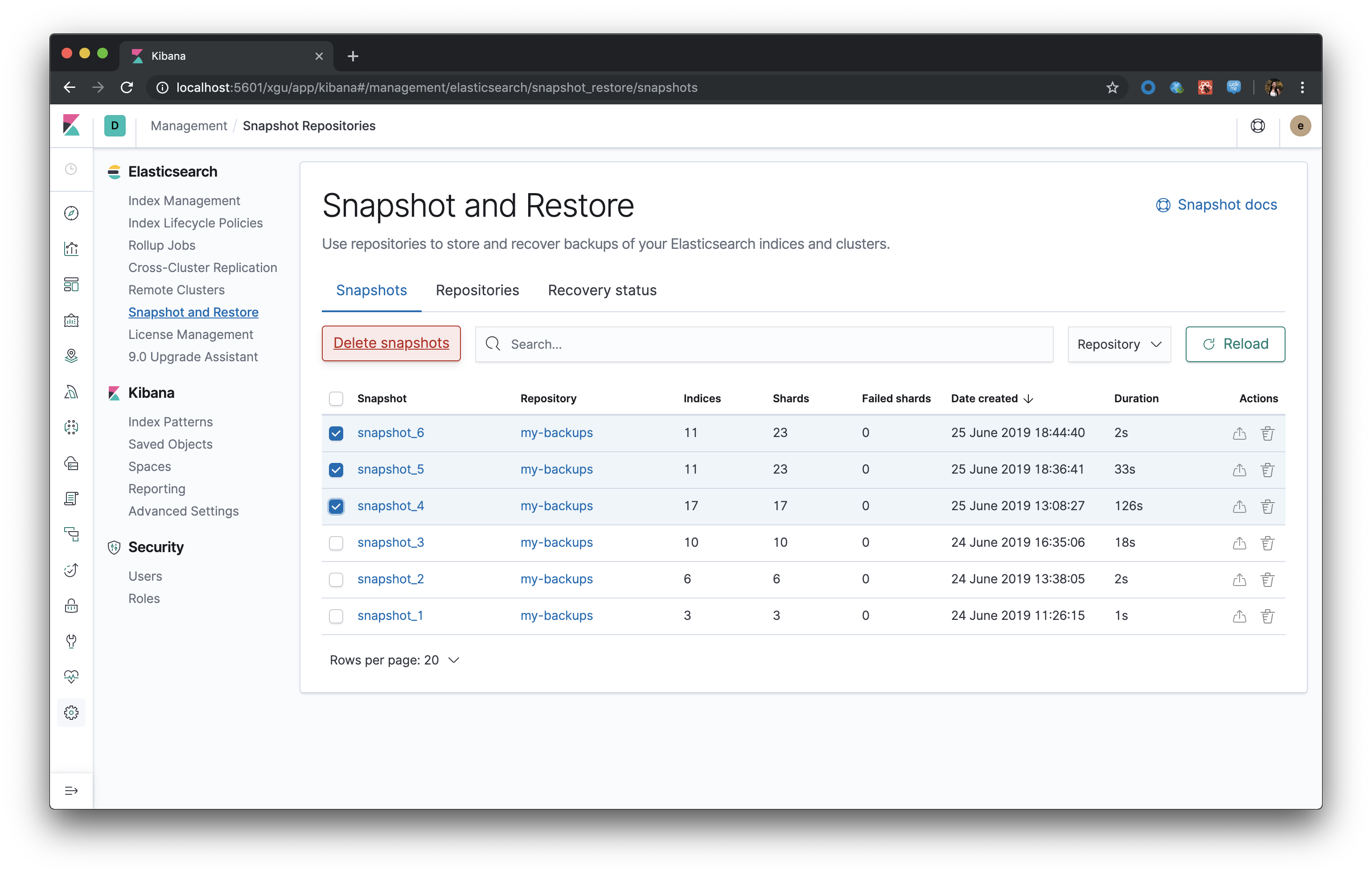
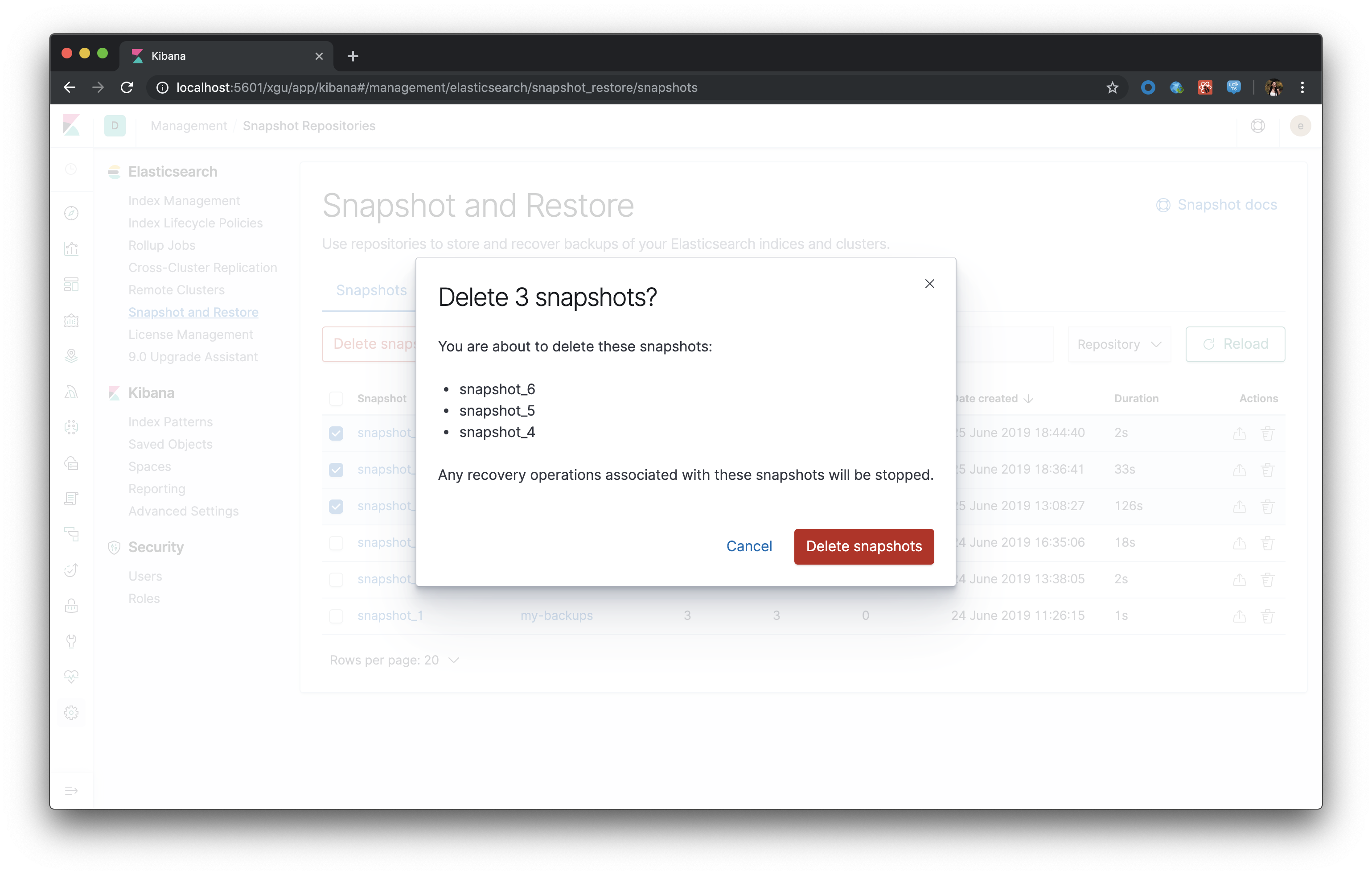
Bulk delete by selecting multiple rows
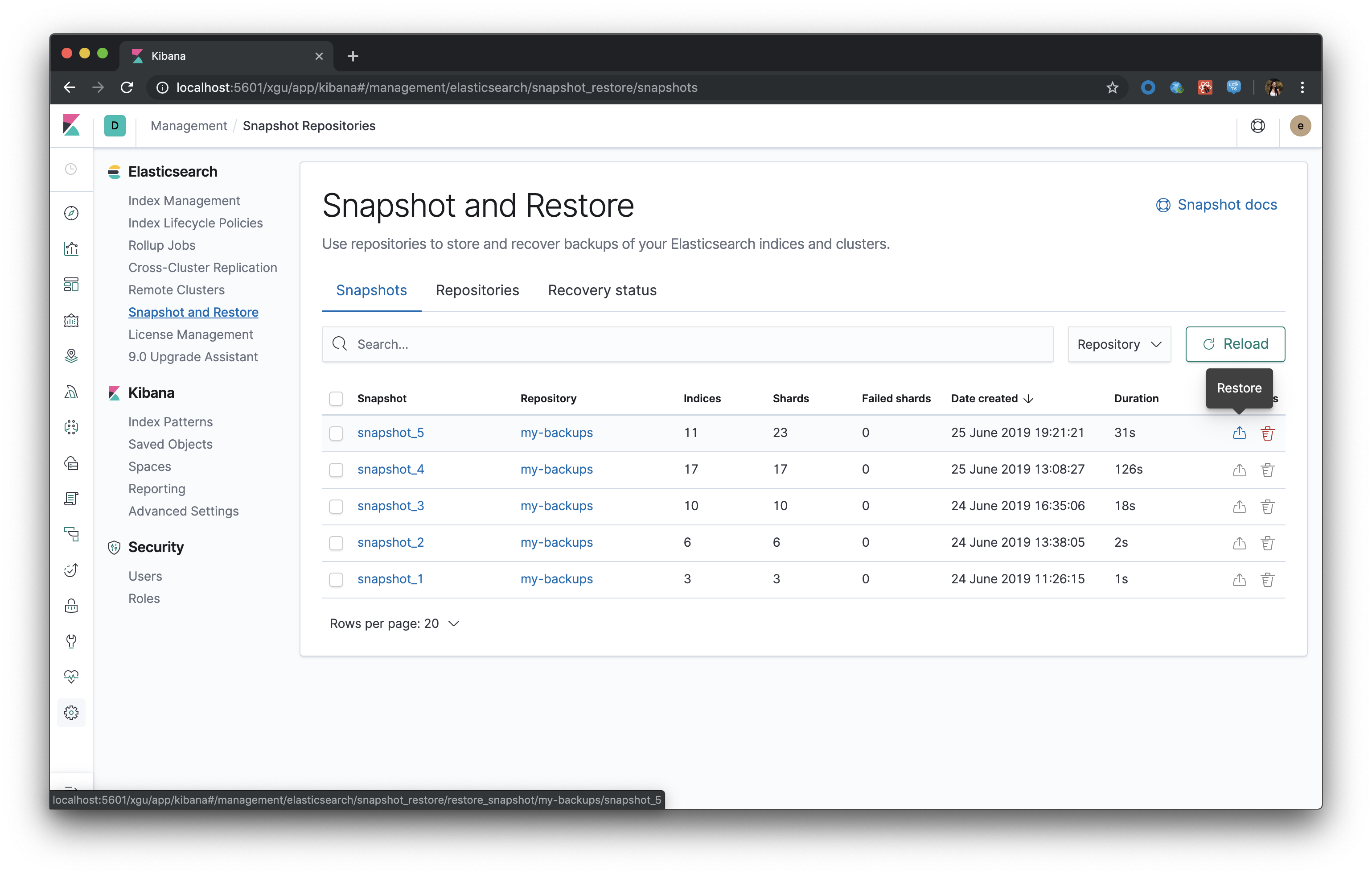
Restore snapshot - entry
.Restore icon in row
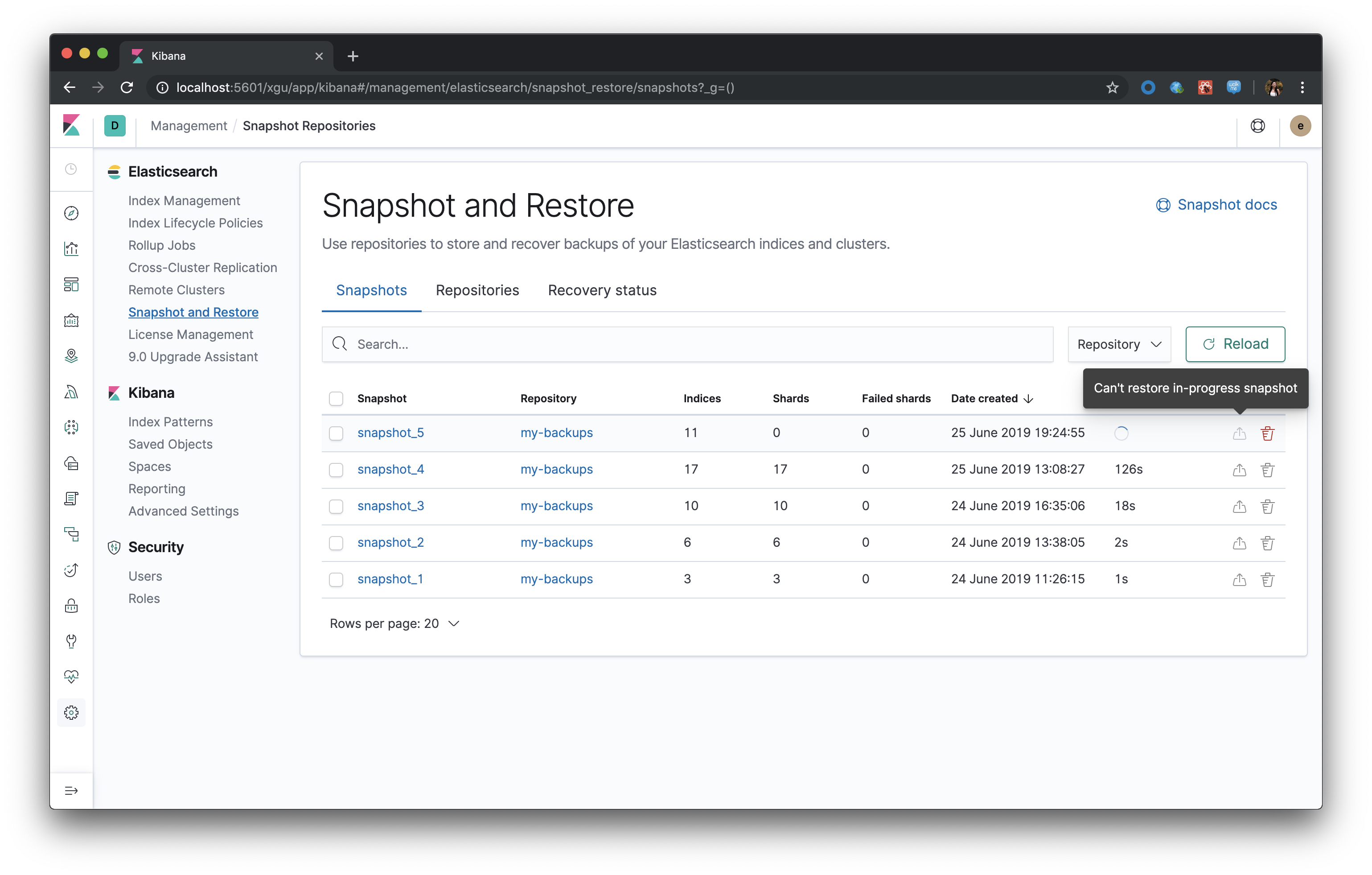
If the snapshot is still in-progress, or otherwise invalid, restore icon is disabled
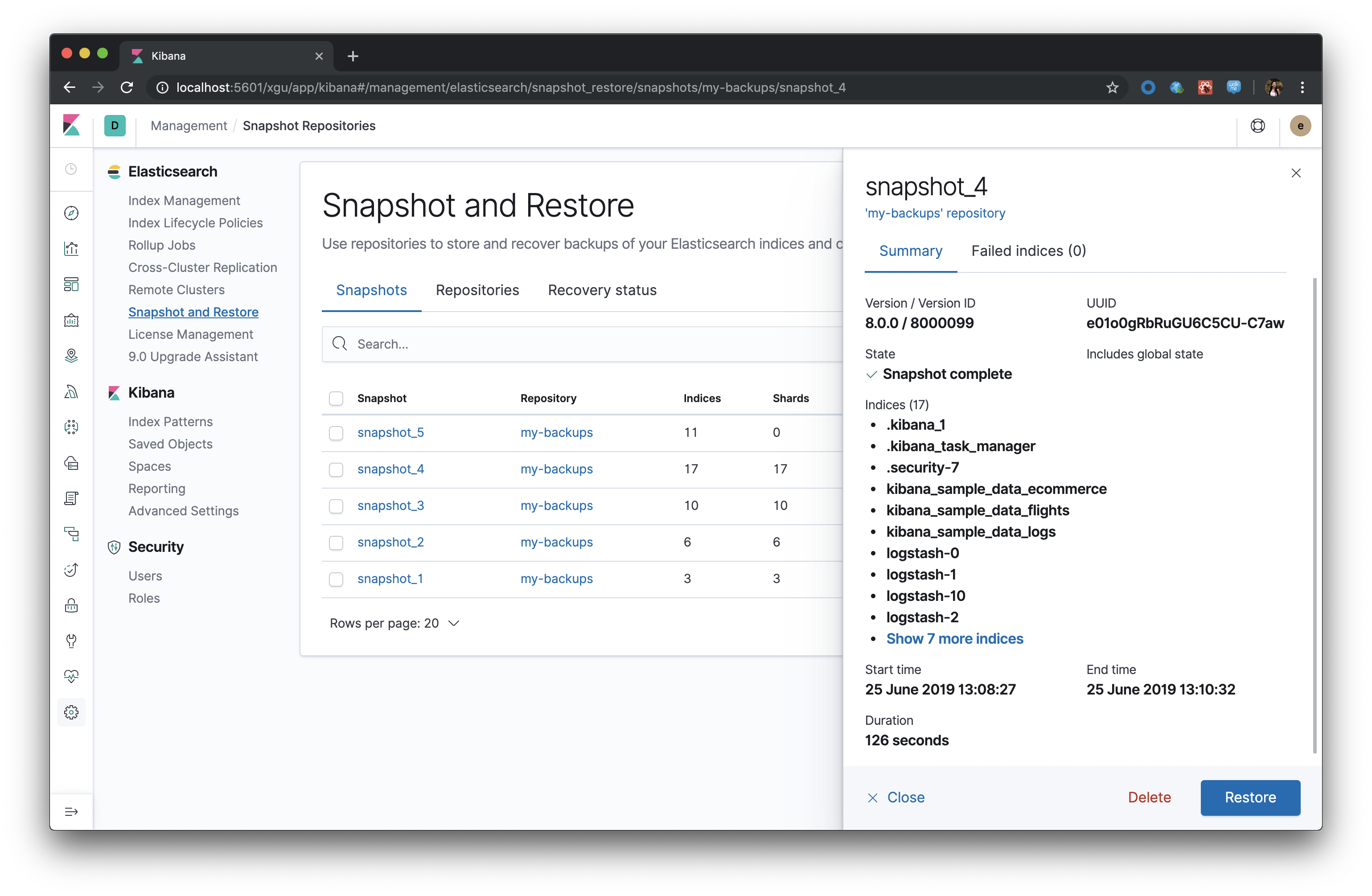
Restore button in details
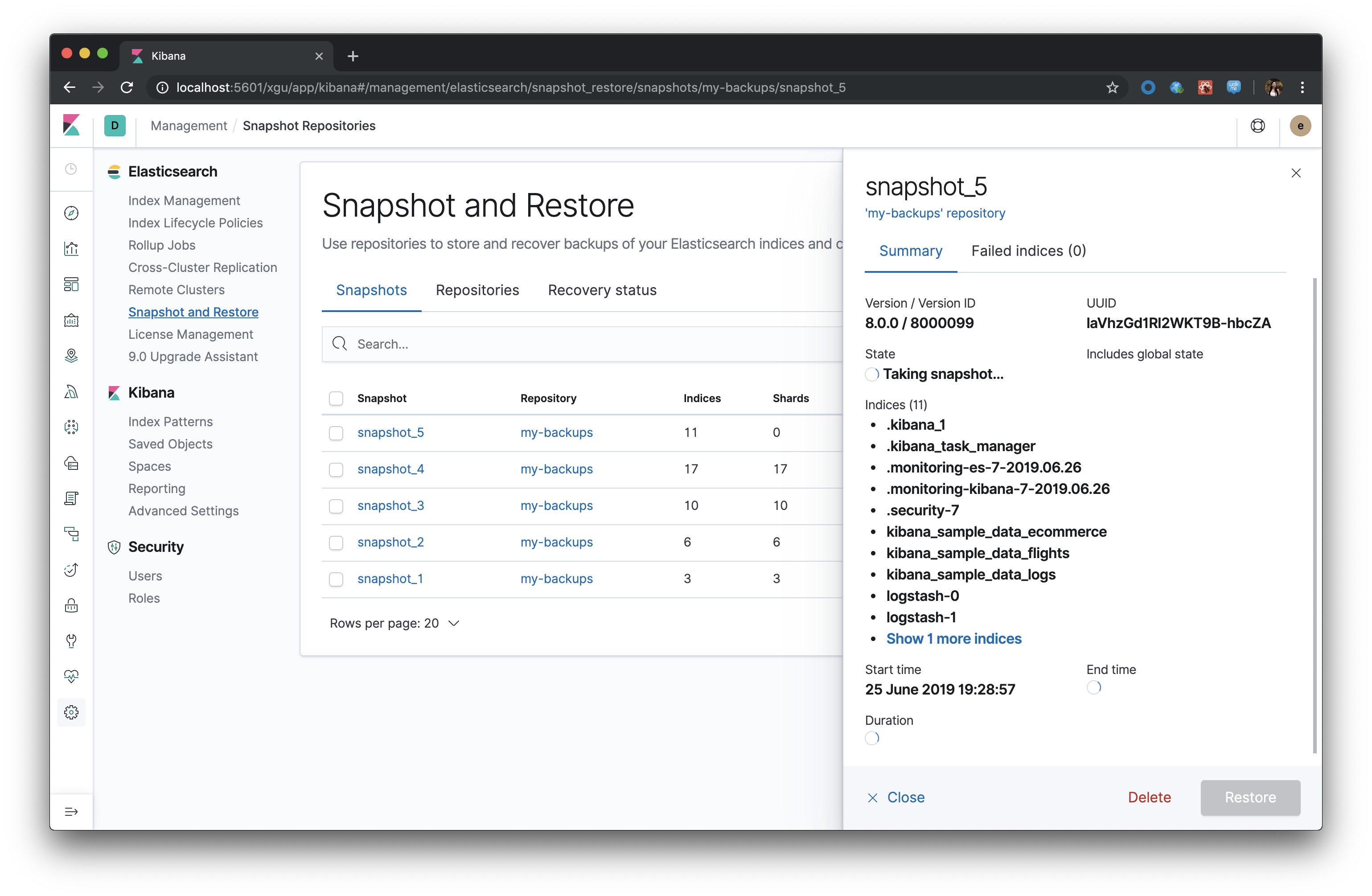
Disabled restore button in details
Restore snapshot - wizard
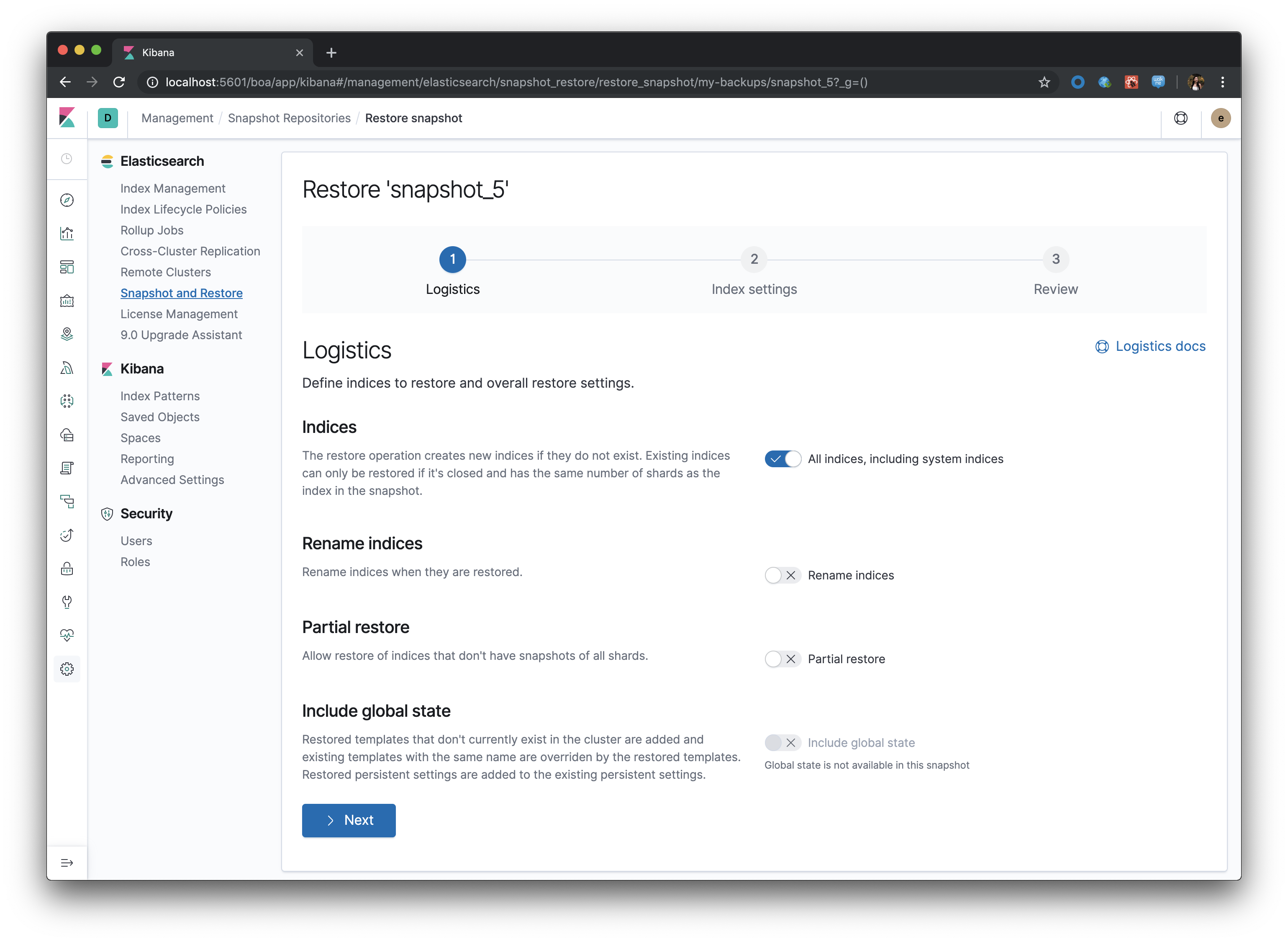
.Step 1: Logistics
Include global state toggle is disabled when the snapshot does not have global state available
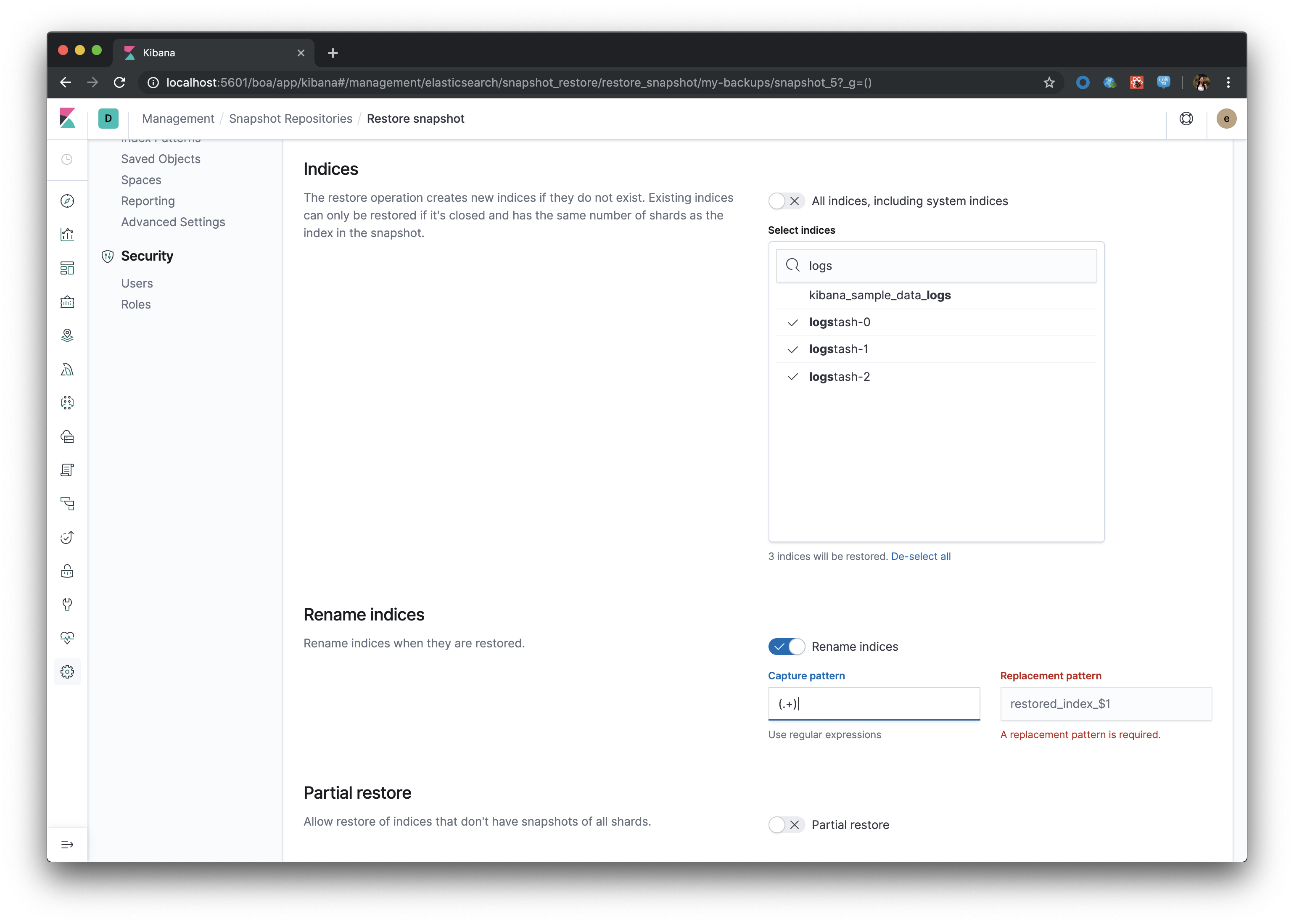
If all indices is toggled off, selectable list appears. Same pattern for rename indices toggle. All fields have real time validation
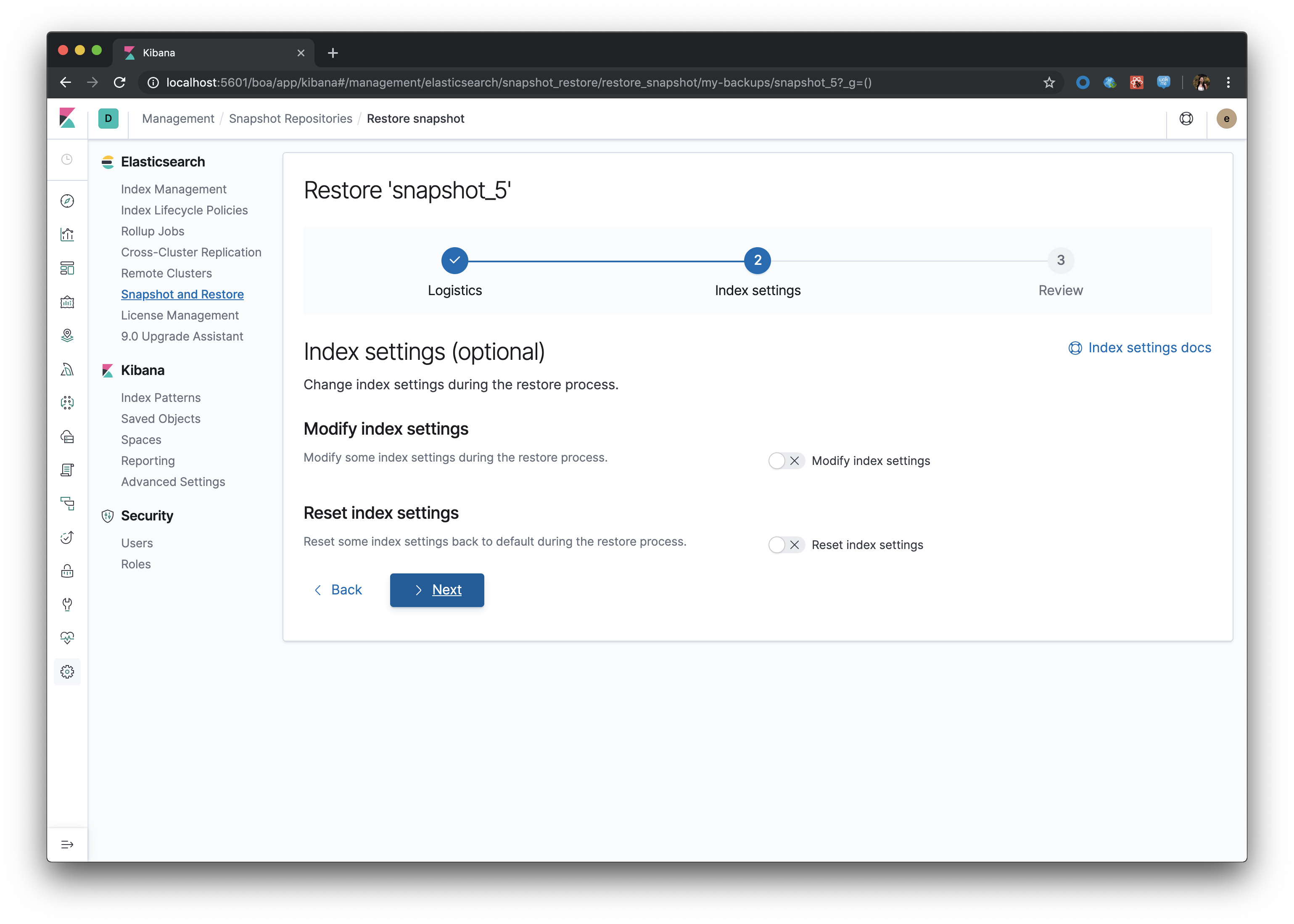
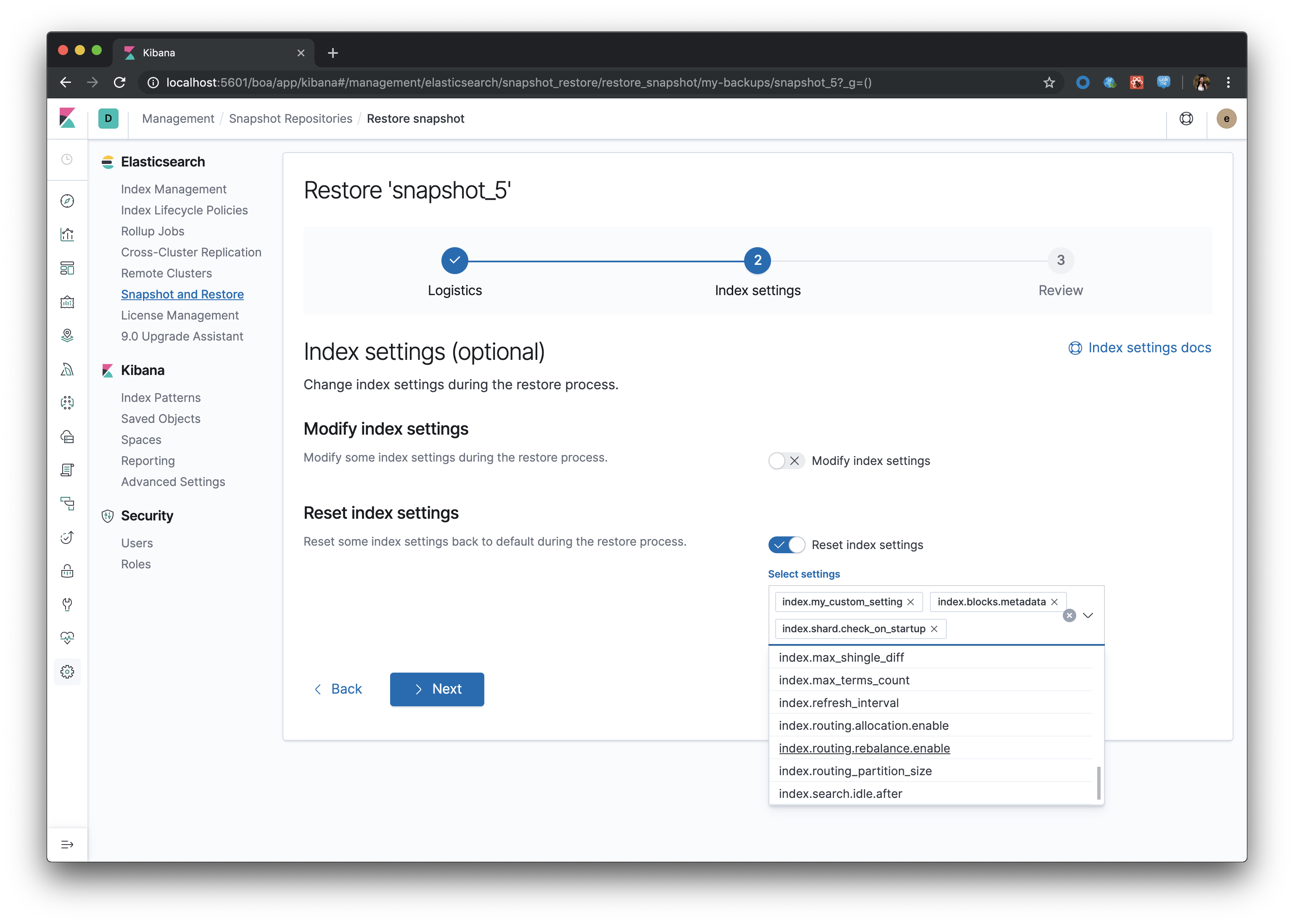
Step 2: Index settings
This step is optional
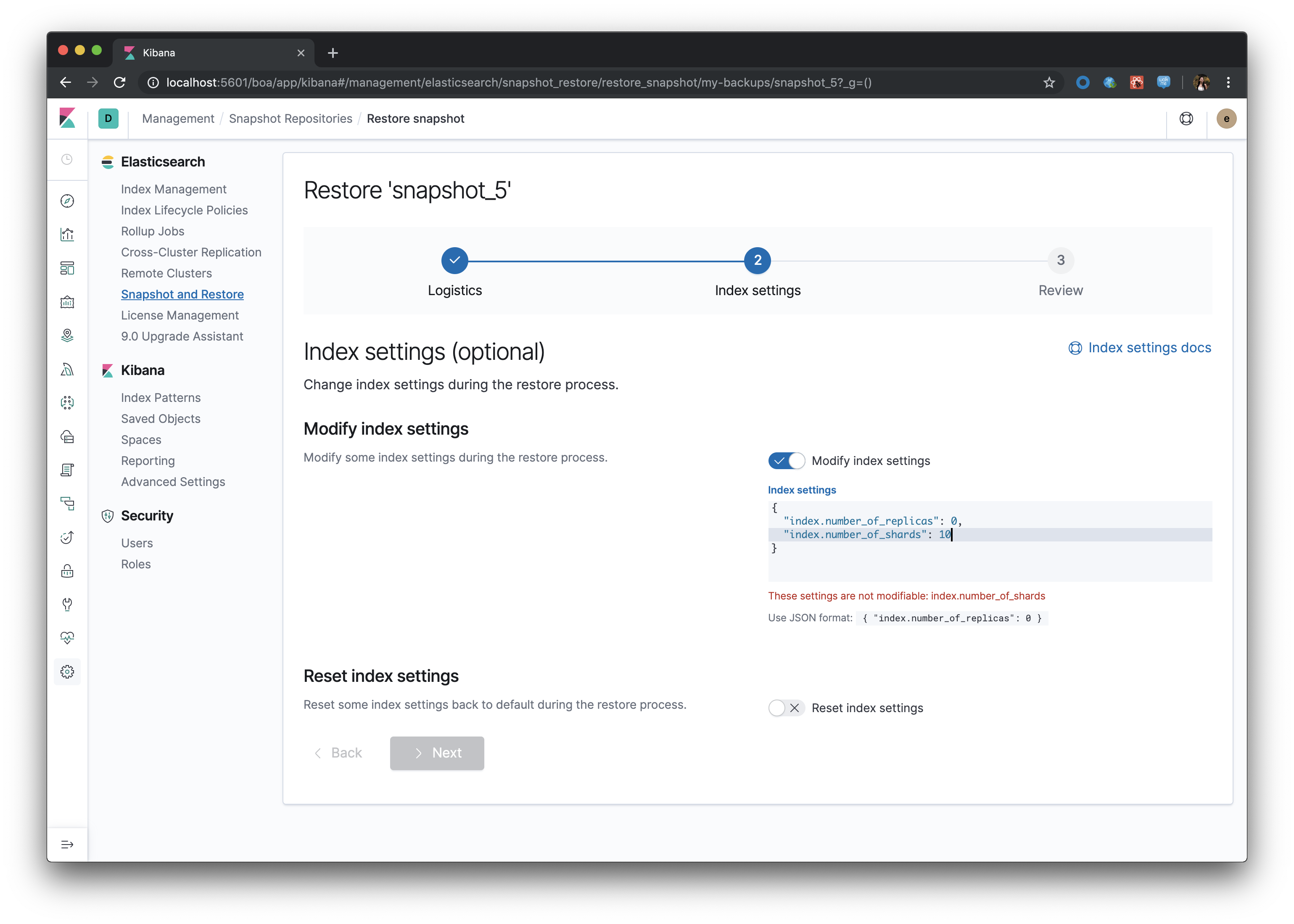
Modified index settings accepts a JSON input and checks for certain un-modifiable setting keys
Reset index settings is a combobox field that allows custom input for additional setting keys not listed in suggestions:
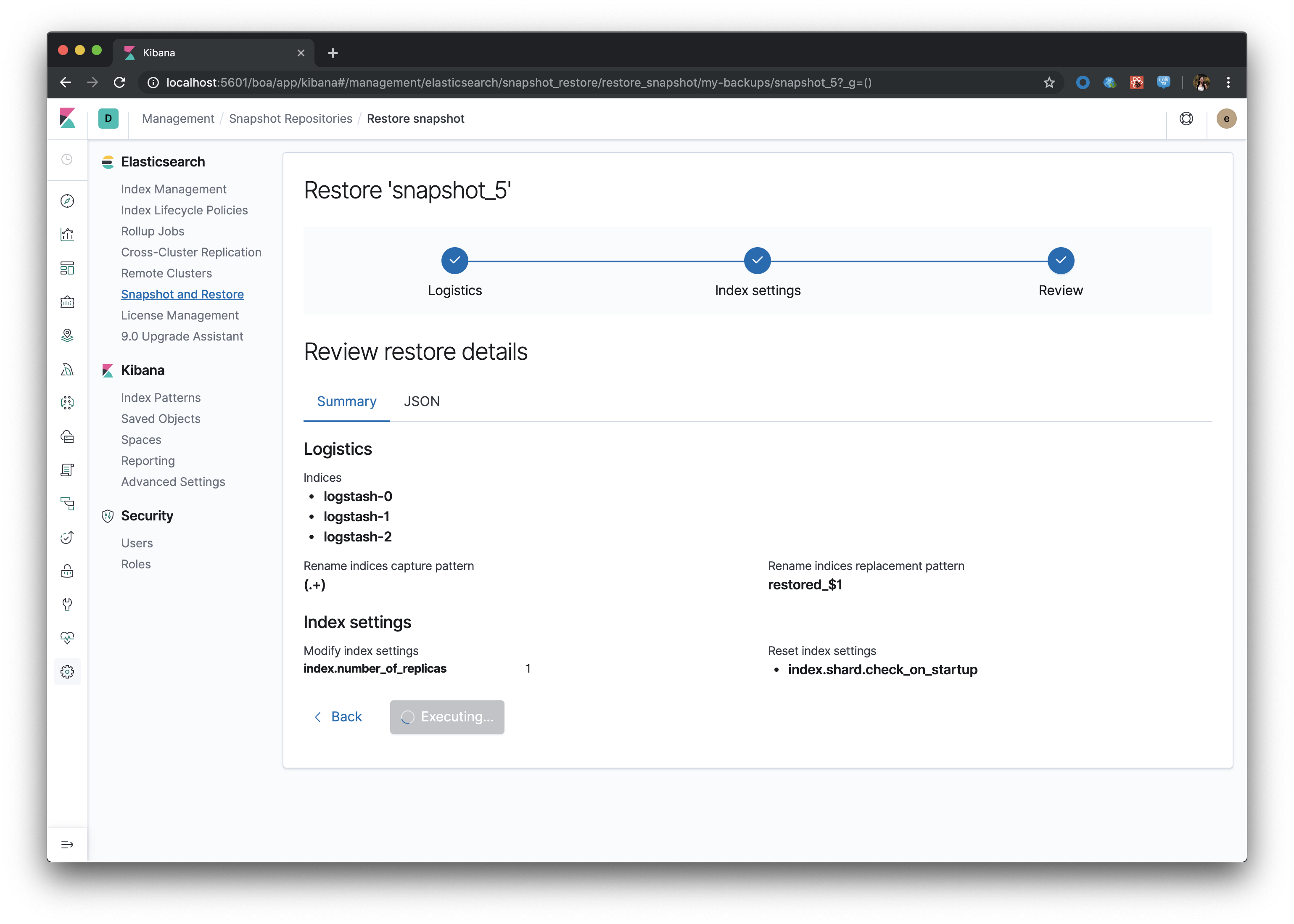
Step 3: Review
Executing restore loading state, after a few seconds, user is redirected to Recovery status tab
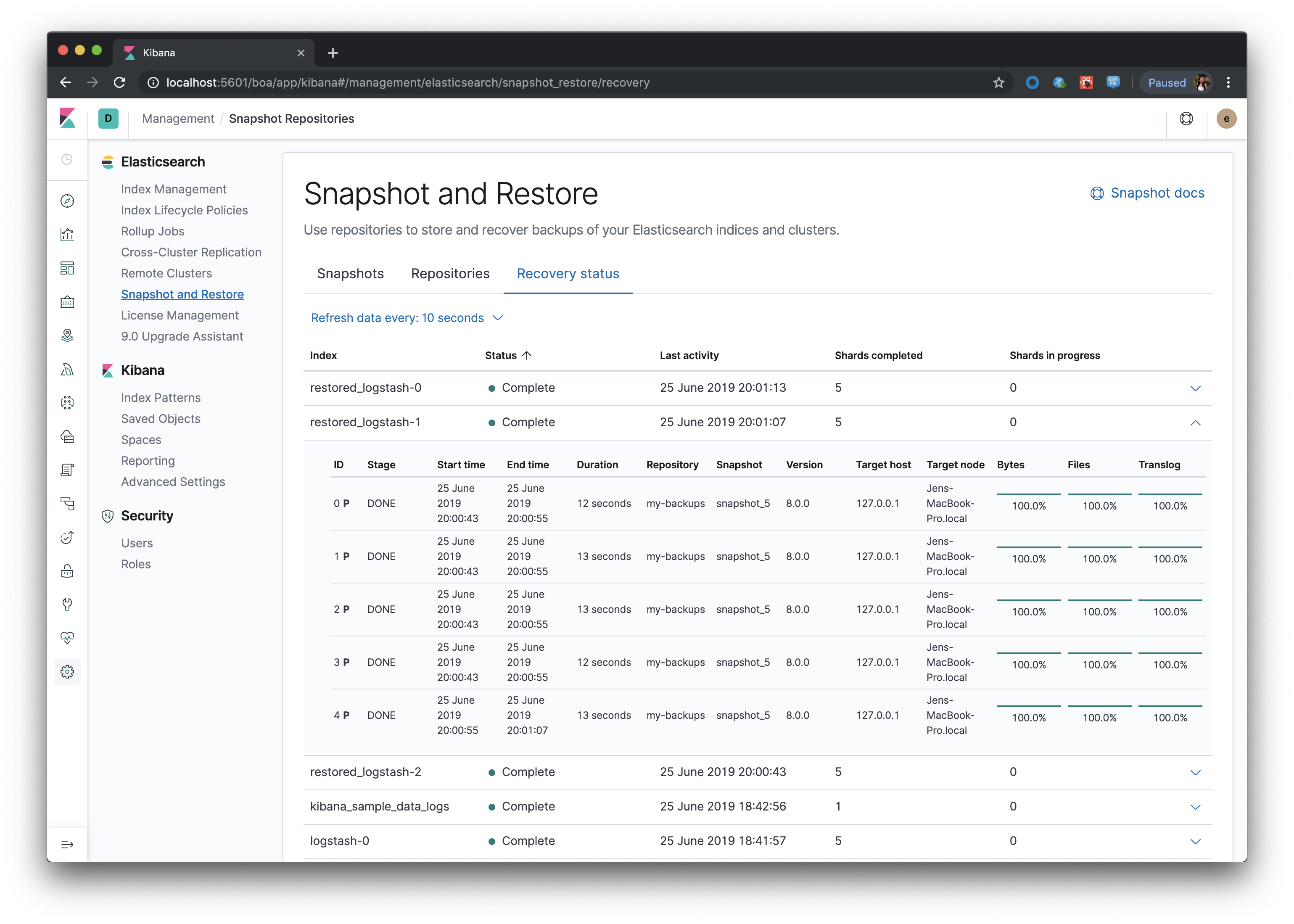
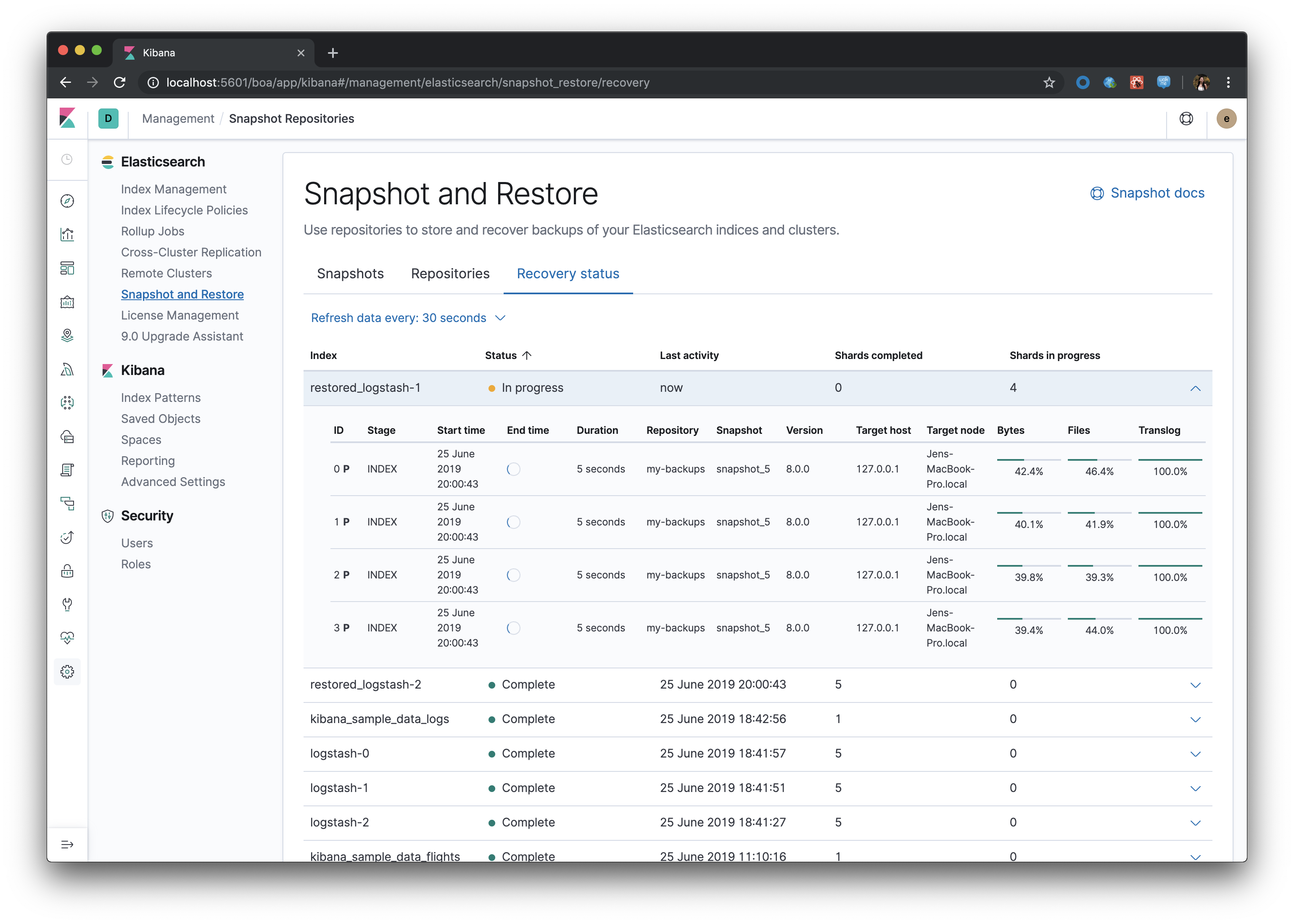
Recovery status
.Table with indices that have been recovered, or are being recovered, from a snapshot. Each row is expandable to drill down into per-shard recovery details
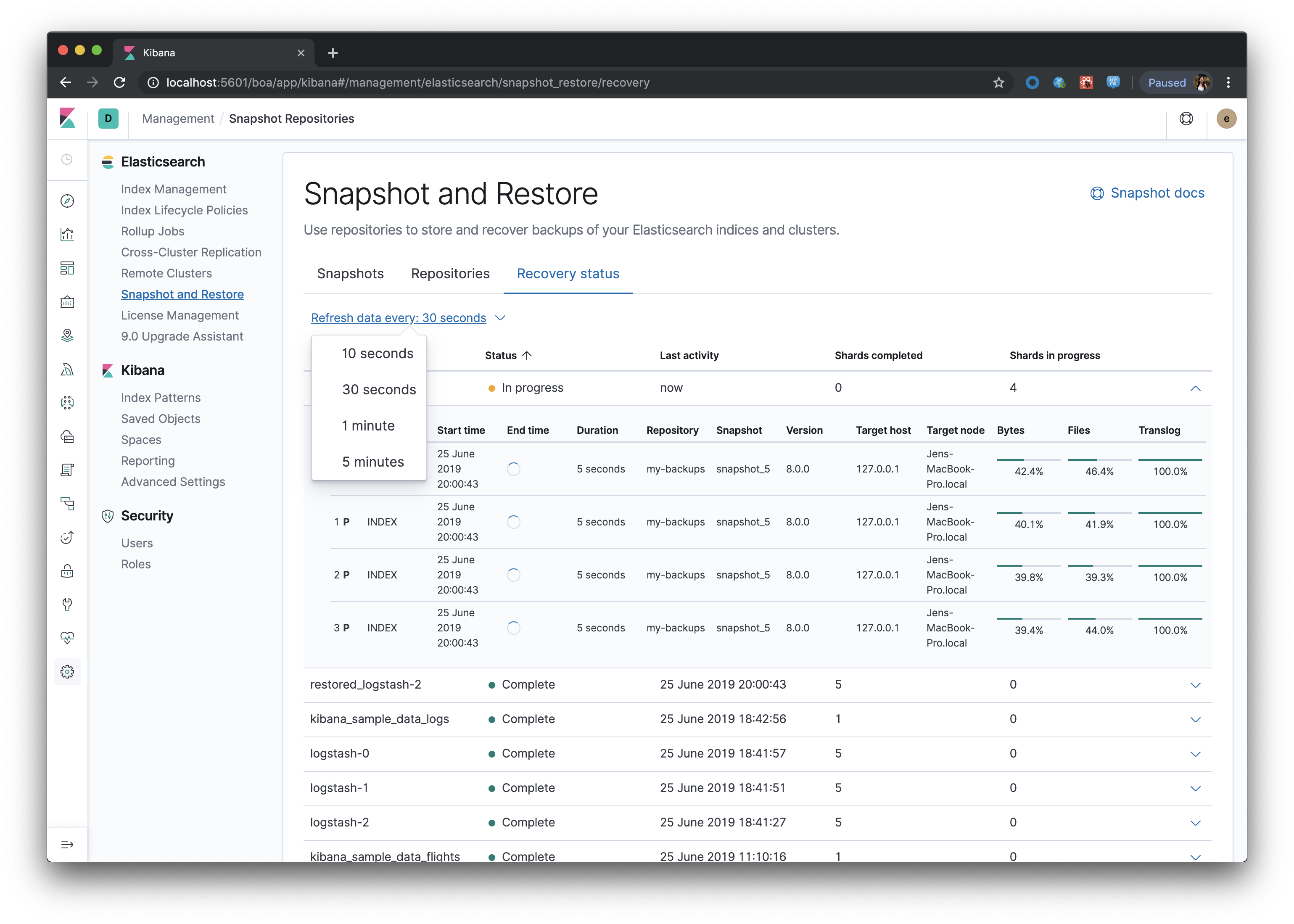
This table polls every 30 seconds by default, and the user can change the frequency of the polling
Every data update from a poll request will not interfere with the table UX - aka, there will be no flash of loading screen, current page will not reset, and expanded rows will stay expanded